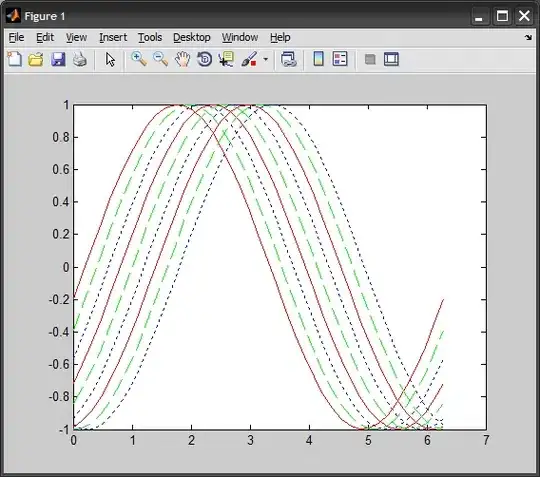
When you set DefaultAxesColorOrder and DefaultAxesLineStyleOrder MATLAB will first cycle through all colors with the first style, then again through all colors with the second style and so on.
See this documentation or related question.
What I would like to do is to set color order and style order to be applied independently.
For example, if I set DefaultAxesColorOrder to [1 0 0; 0 1 0; 0 0 1] and DefaultAxesLineStyleOrder to '-|--|:', the lines will be 'r-','g-','b-','r--','g--','b--','r:','g:','b:'. I want lines to be 'r-','g--','b:'.