(Edited to improve my original answer)
Building on the answer to How to control subgraphs' layout in dot?, if we start by laying out the core digraph with dot, we can then use neato to add the additional edge. neato allows nodes that already have defined positions to be pinned using the -n parameter so one could do something like this (where symmetric.dot contains the original GraphViz digraph with the addition of graph [splines = true]):
#!/bin/bash
dot -Tdot symmetric.dot >symmetric1.dot
neato -n2 -Tpng symmetric1.dot -osymmetric1.png
sed 's/^}/"Sink" -> "Model";}/' <symmetric1.dot  >symmetric2.dot
neato -n2 -Tdot symmetric2.dot >symmetric3.dot
neato -n2 -Tpng symmetric3.dot -osymmetric3.png
This script:
- Uses
dot to lay out the original digraph into a new .dot file.
- Uses
neato -n2 to plot the original digraph. The -n2 option prevents neato from moving nodes that already have positions.
- Uses
sed to insert the "Sink" -> "Model" edge.
- Uses
neato -n2 to lay out the new edge (which is the only one without pos defined, and thus the only one not pinned) and plot it as a .png file.
symmetric1.png looks like this:
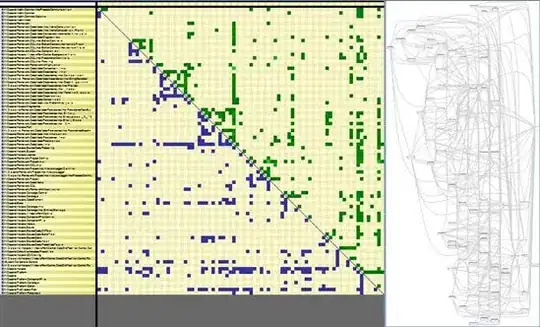
... and symmetric3.dot with the additional edge looks like this: