1

I am trying to Sign up APK to upload it on to the Play Store Market. I am following the steps underlined here

I am getting the following error

enter image description here

When i try to Sign the Application using Eclipse project->Android Tools->Export Signed Application Package.
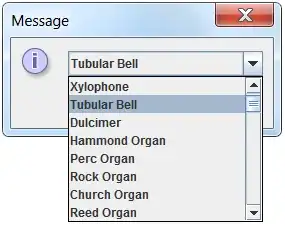
enter image description here

Harsha M V
  • 54,075
  • 125
  • 354
  • 529
  • write `C:\Program Files (x86)\Java\jdk1.6.0_27\bin\my-relea se-key.keystore` in `""`. like `"C:\Program Files (x86)\Java\jdk1.6.0_27\bin\my-relea se-key.keystore"` – Mohsin Naeem Jan 18 '13 at 06:53
  • Why not use Android Tools -> Export Signed Application Package? It does the same anyway. But a lot easier. – Siddharth Lele Jan 18 '13 at 06:54
  • @SiddharthLele i did that i am getting an error. have updated the question. – Harsha M V Jan 18 '13 at 08:01
  • @MMohsinNaeem i pulled the apk file into the same folder and now am getting a new error. have updated the question – Harsha M V Jan 18 '13 at 08:01

2 Answers2

1

Copy your keystore file to a directory which has no spaces. Your current path is C:\Program Files (x86)\Java\jdk1.6.0_27\bin\my-release-key.keystore which contains the directory Program Files (x86) with spaces. JarSigner cannot identify directories with spaces.

Rajitha Siriwardena
  • 2,749
  • 1
  • 18
  • 22
1

You don't need to do it with commands. In Eclipse, right click on your project->Android Tools->Export Signed Application Package.

Follow the wizard and you will have an signed apk without pain.

Edit:

After a quick search about the new error, this thread seems to contain possible fix for you. At instance, please try to clean your project and build it again. If it does not fix your problem, also try the fix mentioned in the link.

Community
  • 1
  • 1
Lawrence Choy
  • 6,088
  • 1
  • 20
  • 30