0

I want to code a login script where a user enters the email id and password and is taken to another page if both email and password are correct. Also if the email and password are correct; the values get stored in DB.

Here's the entire corrected-working-code:

    <?php
    if($_POST['submit']){
        $email = protect($_POST['email']);
        $password = protect($_POST['password']);
        $md5password=MD5($password);

        if(!$email || !$password){
            echo '<span style="color: red;" /><center>You need to fill in your <b>User Name</b> and <b>Password</b>!</center></span>';
        }else{
            $res = mysql_query("SELECT * FROM `employer` WHERE `email` = '".$email."'");
            $num = mysql_num_rows($res);

            if($num == 0){
                echo '<span style="color: red;" /><center>The <b>E Mail ID</b> you supplied does not exist!</center></span>';
            }else{
            $res = mysql_query("SELECT * FROM `employer` WHERE `email` = '".$email."' AND `password` = '".$md5password."'");
            $num = mysql_num_rows($res);

            if($num == 0){
                echo '<span style="color: red;" /><center>The <b>Password</b> you supplied does not match the one for that E Mail ID!</center></span>';}else{
                $row = mysql_fetch_assoc($res);

                $_SESSION['uid'] = $row['id'];
                echo "<center>You have successfully logged in!</center>";

                $time = date('U')+50;
                mysql_query("UPDATE `employer` SET `online` = '".$time."' WHERE `id` = '".$_SESSION['uid']."'");
                mysql_query("UPDATE employer (date) VALUES (NOW())");

                header('Location: loggedin_employer.php');
                }
            }
        }
    }
?>
xan
  • 4,640
  • 13
  • 50
  • 83
  • 3
    Would you like a cup of tea with it? – BenMorel Jun 05 '12 at 21:53
  • 1
    Sounds like a good idea. I approve. – Mike Jun 05 '12 at 21:53
  • 2
    I want to code a script that sarcastically answers stupid questions asked on stack overflow. –  Jun 05 '12 at 21:57
  • 2
    `addslashes` should not be used for sanitization. – Mike Jun 05 '12 at 21:59
  • 2
    please dont store passwords as plain text. –  Jun 05 '12 at 22:01
  • use sha1 or something, but I heard sha1 was found insecure... – rcplusplus Jun 05 '12 at 22:01
  • @rcplusplus, sha1 should not be used for passwords either. You should be using [bcrypt](http://stackoverflow.com/questions/4795385/how-do-you-use-bcrypt-for-hashing-passwords-in-php) – Mike Jun 05 '12 at 22:03
  • I'd used a "protect.php" containing a function that i'd put as `require_once('protect.php');` at the starting. For the passwords I'd used MD5. Iwanted a decent encryption system. – xan Jun 22 '12 at 15:51
  • @pixeline & others: I completely forgot to press "Ctrl + V" for pasting my code. Sorry. – xan Jun 22 '12 at 15:52

2 Answers2

6

There's a tutorial here and several dozen other places.

But before you view that tutorial, check out the OWASP Authentication cheat sheet.

Too many people build insecure systems. Don't be one of those guys. OWASP is an excellent resource that all web developers should be intimately familiar with.

And while you're at it, you might want to consider Jeff Atwood's excellent advice.

Excerpt from Jeff's article:

It always pained me greatly that every rinky-dink website on the entire internet demanded that I create a special username and password just for them. Yes, if you're an alpha geek, then you probably use a combination of special software and USB key from your utility belt to generate secure usernames and passwords for the dozens of websites you frequent. But for the vast, silent majority of normals, who know nothing of security but desire convenience above all, this means one thing: using the same username and password over and over. And it's probably a simple password, too.

Jeff also has another nice article on OpenId worth reading before embarking on your quest.

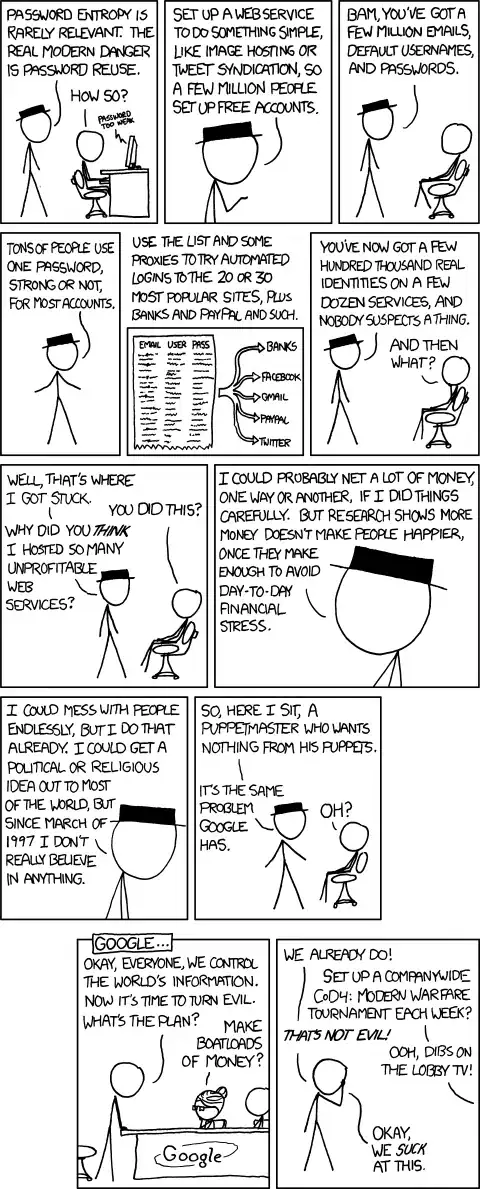
And finally, and probably most importantly, Don't Store Your Passwords Incorrectly! Given that most people use the same username/password everywhere, if YOUR site gets compromised, then ALL of their accounts could potentially be compromised.

enter image description here

David
  • 72,686
  • 18
  • 132
  • 173
1

This may not be the best way, but it's how I did it.

Create a simple html page with a login form, when they press submit, send their entry into the database. If it's there, then set a global session varibale you created (suppose it's called validUser) to true; Then, send them to the home page with javascript. Just in case they try to access the page without logging in, put the following snippet at the top of every secure page:

<?php
   if (!$_SESSION["validUser"])
      // redirect them to the login page however you want...
?>

The snippet basically just checks to see if the validUser variable has been set to true, which it should have if they had logged in.

rcplusplus
  • 2,767
  • 5
  • 29
  • 43
  • Thanks, I resolved it. I was struggling with PHP a little while ago. But thanks to SO & you people. :) – xan Jun 22 '12 at 15:13