I have a Creality Ender 3 printer with a bed size of 235 x 235 mm and a nozzle width of 0.8 mm. I need to print a lampshade using PLA filament of 1.75 mm that I made in Blender of the following dimensions:
- height : 203 mm
- diameter : 227 mm
- thickness : 1 mm
- base thickness : 3 mm


I am using Ultimaker Cura to slice the model. What are the ideal print settings do I use to print it such that:
It prints as one object.
There are no seams.
The object prints upwards in a spiral pattern [left]:
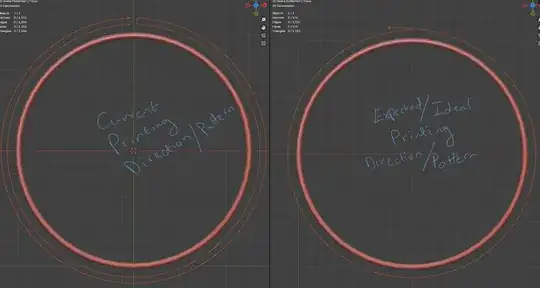 Currently it prints to a point and retraces back to the start point, thus creating the seam.
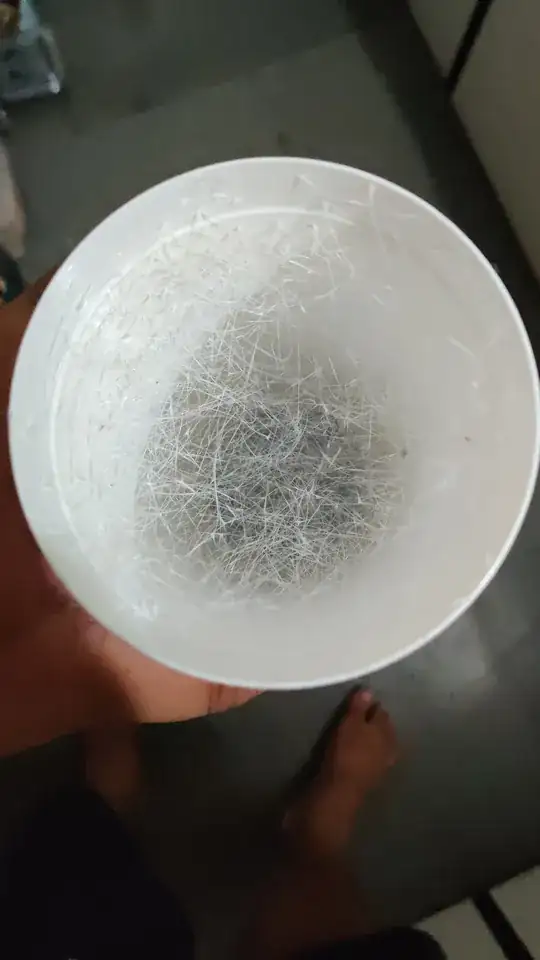
In one of my test prints the object had artifacts and errors on the inner surface as follows (how do I avoid this?):
The object should be hard enough that it doesn't flex too much.


I am new at 3D printing and don't know the terms and it would be great if you could explain in a bit of detail.
Please note I cannot use supports for this.


