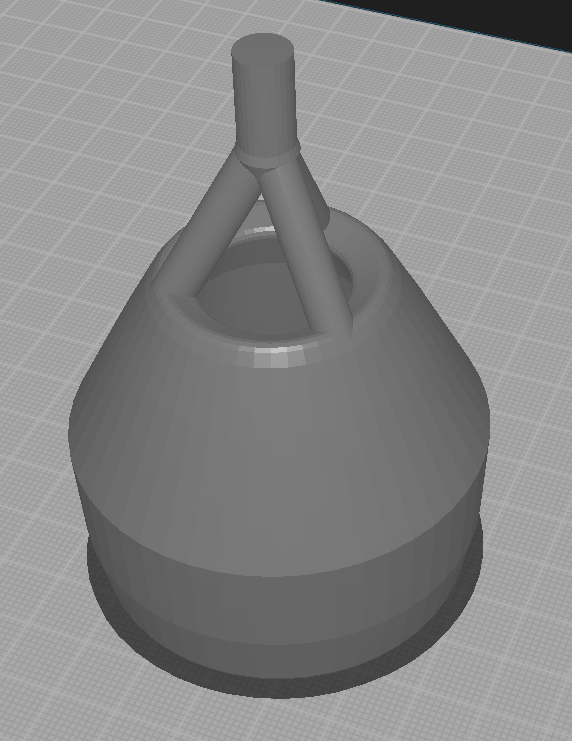
While without the files it's a guessing game, we can make an educated guess: the most frequent and likely culprit for this sort of faults is the model not being a manifold.
Most likely you've created several objects in Blender, and visually they comprise the shape you want, but internally they intersect, creating a lot of unnecessary internal geometry under the surface, and Cura fails to deduce what parts of the geometry are the actual "skin" of the object.
First, if your shape is composed of multiple objects, use the Boolean Union modifier, to merge them into a single object. Besides that, install "3D Printing Toolbox" add-on in Blender, find it in the sidebar tabs, and use the "Make Manifold" option, and inspect your shape to make sure it worked correctly and removed everything "under the surface", leaving only hollow skin. If it failed, you may have to do that manually.