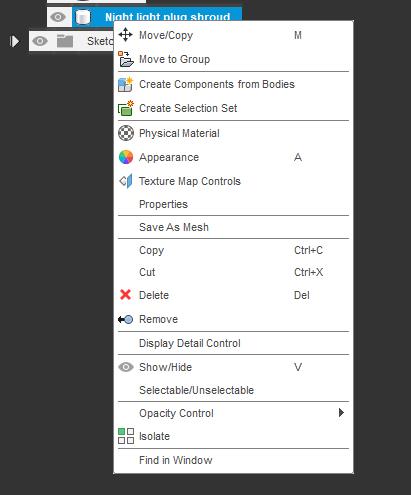
Everytime I export to STL in Fusion 360, a new Version (V1, V2, V3, V4, ...) of the file is created. But I would really like to use that feature to mark bigger changes instead of creating a new version everytime I change a minor detail to see how the Cura reacts to it.
For some reason, no new version gets created when I send the model to Cura via the tools tab. But then no new STL file gets created, but Fusion 360 opens a new instance of Cura instead. Even if Cura is already open.
That's not what I want. I want to overwrite the old STL file so Cura offers me to reload the STL file and I can keep working in the instance of Cura which is already open.
I already deactivated the checkbox to create a new version everytime I save the file. That settings works as expected