Before I could just type the name of the image, and it would show up as a small icon. After I upgraded to Swift 4.2 and Xcode 10, this seems not to work anymore. Now I have to use the UIImage(named: "imageName") to get the image. Or am I doing something wrong?

Asked
Active
Viewed 1,458 times
1

Cœur
- 37,241
- 25
- 195
- 267

Lars Christoffersen
- 1,719
- 13
- 24
-
I have the same issue, I think they removed that feature in this new version. – Dasoga Sep 18 '18 at 19:44
-
Possible duplicate of [Xcode 10 - image literals no longer available](https://stackoverflow.com/questions/51397347/xcode-10-image-literals-no-longer-available) – Cœur Oct 09 '18 at 12:00
2 Answers
7
You can simple do like this
- Write the
Image Literalin your IDE
Choose
Image Literal, now you will see something like that
Double click to the image, and choose your image

If you want to search your image by text
(Source: https://stackoverflow.com/a/52368851/2776008)
You can use Media Library in Xcode to add image literal to your code:

And then choose image from library and drag&drop it to your code
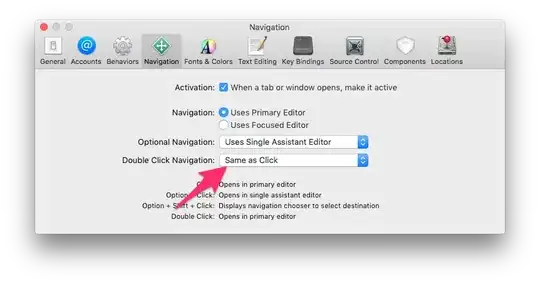
It will create image literal

Quoc Nguyen
- 2,839
- 6
- 23
- 28
1
use command + shift + M to popup the Media Library then Simply Drag and Drop into your Code
OR


Vishal Shelake
- 572
- 1
- 8
- 12